

Chippy
Every Mac keyboard, with the sound of a mechanical one. Lives in the menu bar and answers every key you press.
Hear it right here
Pick a profile and type anywhere on this page. These are the app’s own sounds — nothing to install to find out whether you like them.
A closer look
Small app, quiet about it
What it does
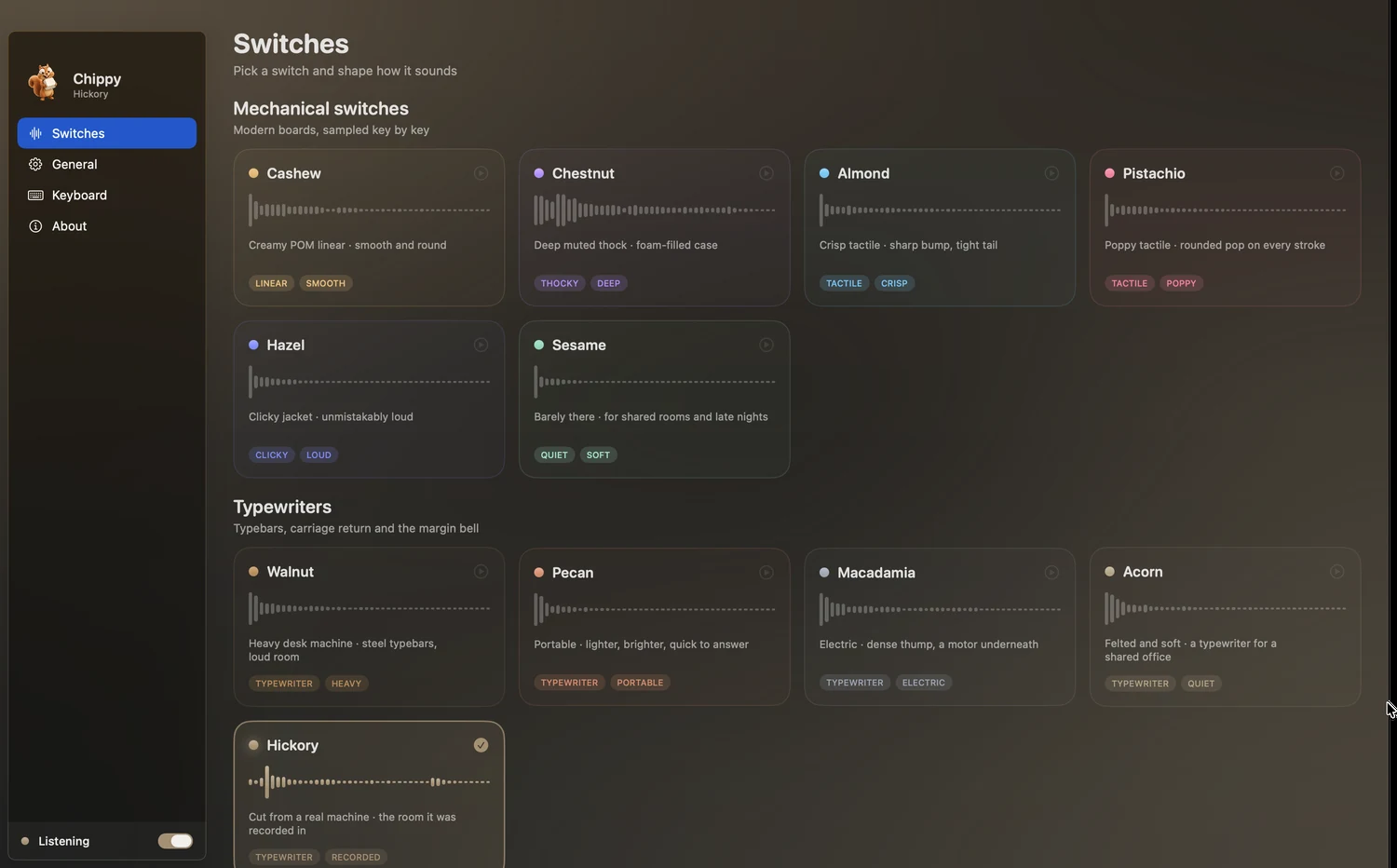
Eleven profiles, two families
Six mechanical switches, from a creamy linear to a clicky jacket nobody in the room will miss, and five typewriters — including one cut key by key from a recording of a real machine.
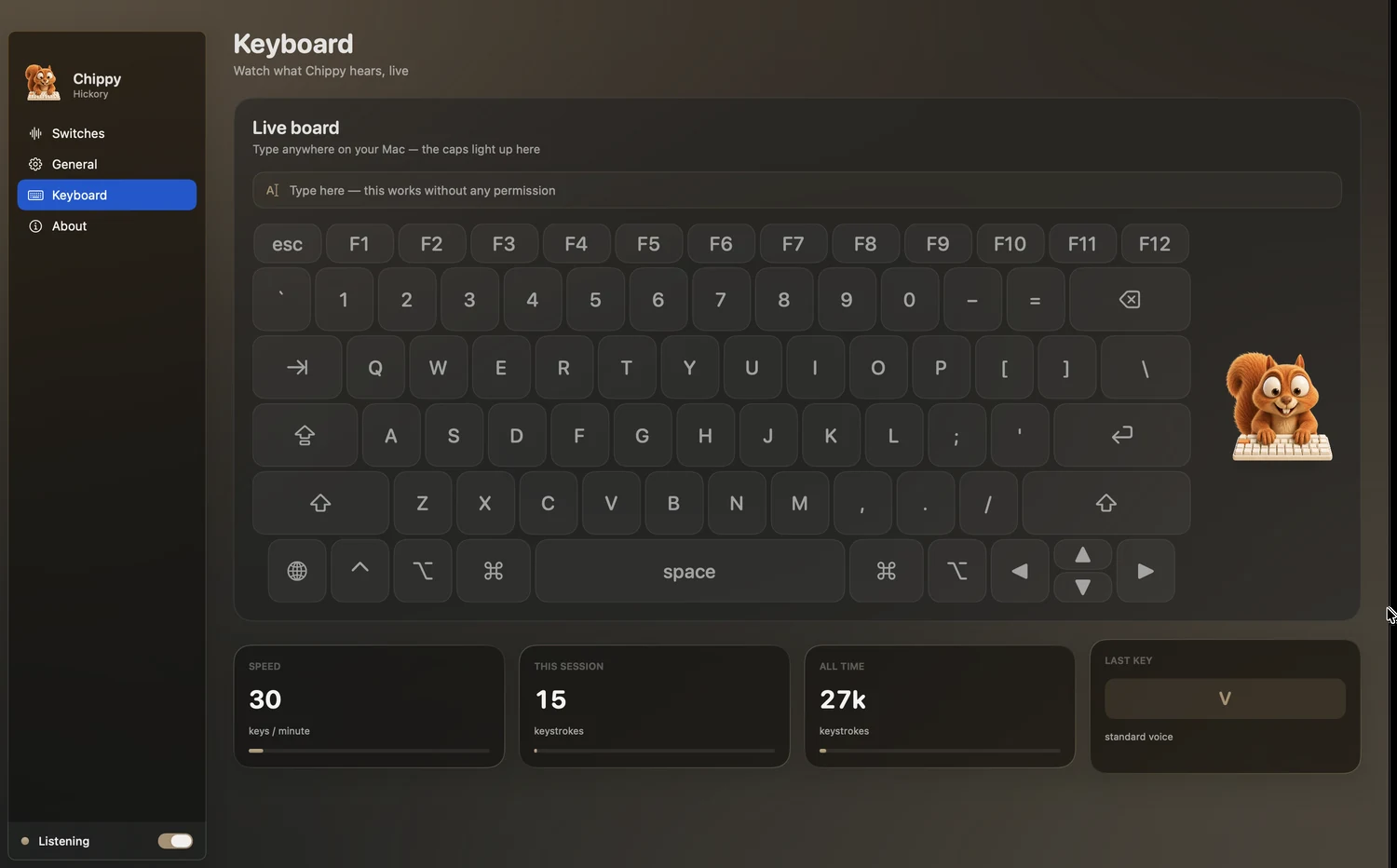
Four voices on every board
Letters, modifiers, Return and the spacebar all sound different, and the wide keys carry their own stabiliser rattle, because that is how a real keyboard behaves.
Placed across the keyboard
Keys are panned by where they sit, so your left hand lands left and your right hand lands right. A small random shift in pitch and level keeps a held sentence from repeating itself.
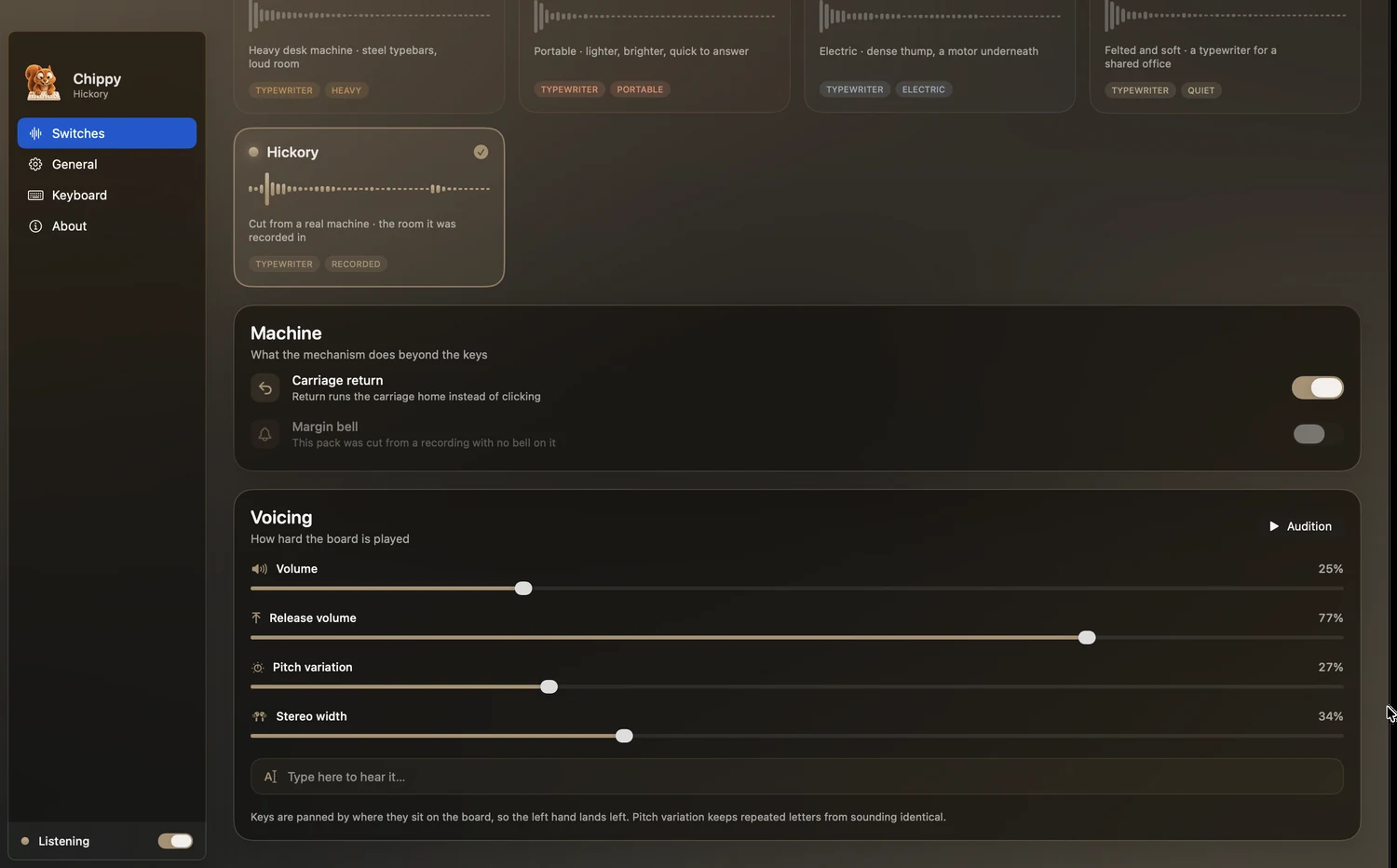
The typewriters go further
Return is not a key — it is the whole carriage going home, with the lever, the ratchet and the stop. The margin bell rings a few characters before the edge of the paper, and resets on every return.
Tuned to taste
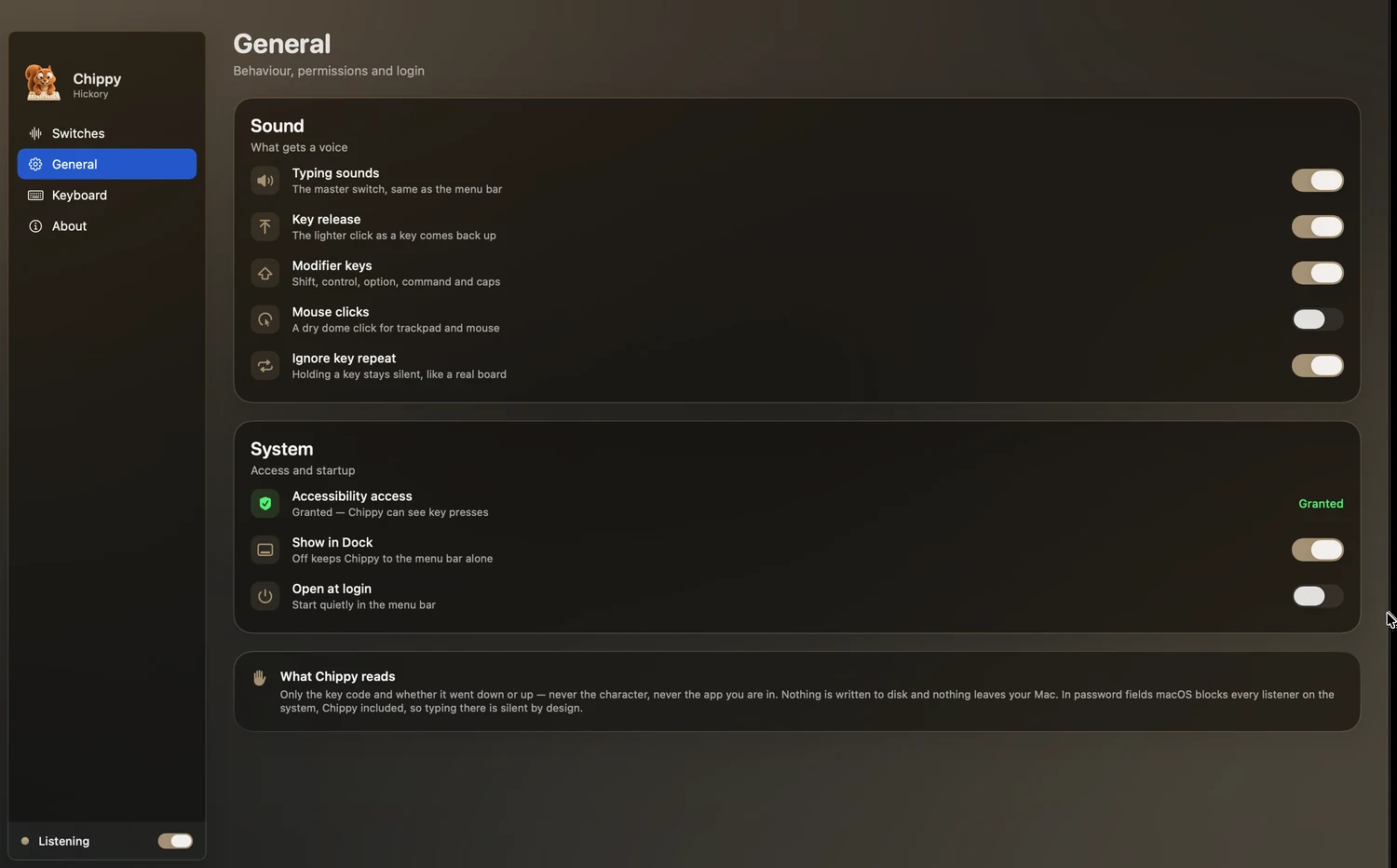
Volume, release volume, pitch variation and stereo width, all live. Optional mouse clicks. Holding a key stays silent by default, the way a real one does.
It reads one thing
The code of the key that moved, and whether it went down or up. Never the character, never the app you are in. Nothing is written to disk and nothing is sent anywhere.
Private by design
- No accounts
- No analytics, ads or trackers
- Nothing written to disk
- No server on our side at all
- Silent in password fields, by design
Because it listens for key presses, macOS asks you to allow Chippy in Privacy & Security → Input Monitoring — the permission meant for exactly that, watching input without acting on it. Every profile can be auditioned inside the app before you grant anything.